
webCraft
webCraft game information 본문
gameServer Link : webcraftpc.com
WebCraft StartPage 3.0
webCraft3.0
webcraftpc.com

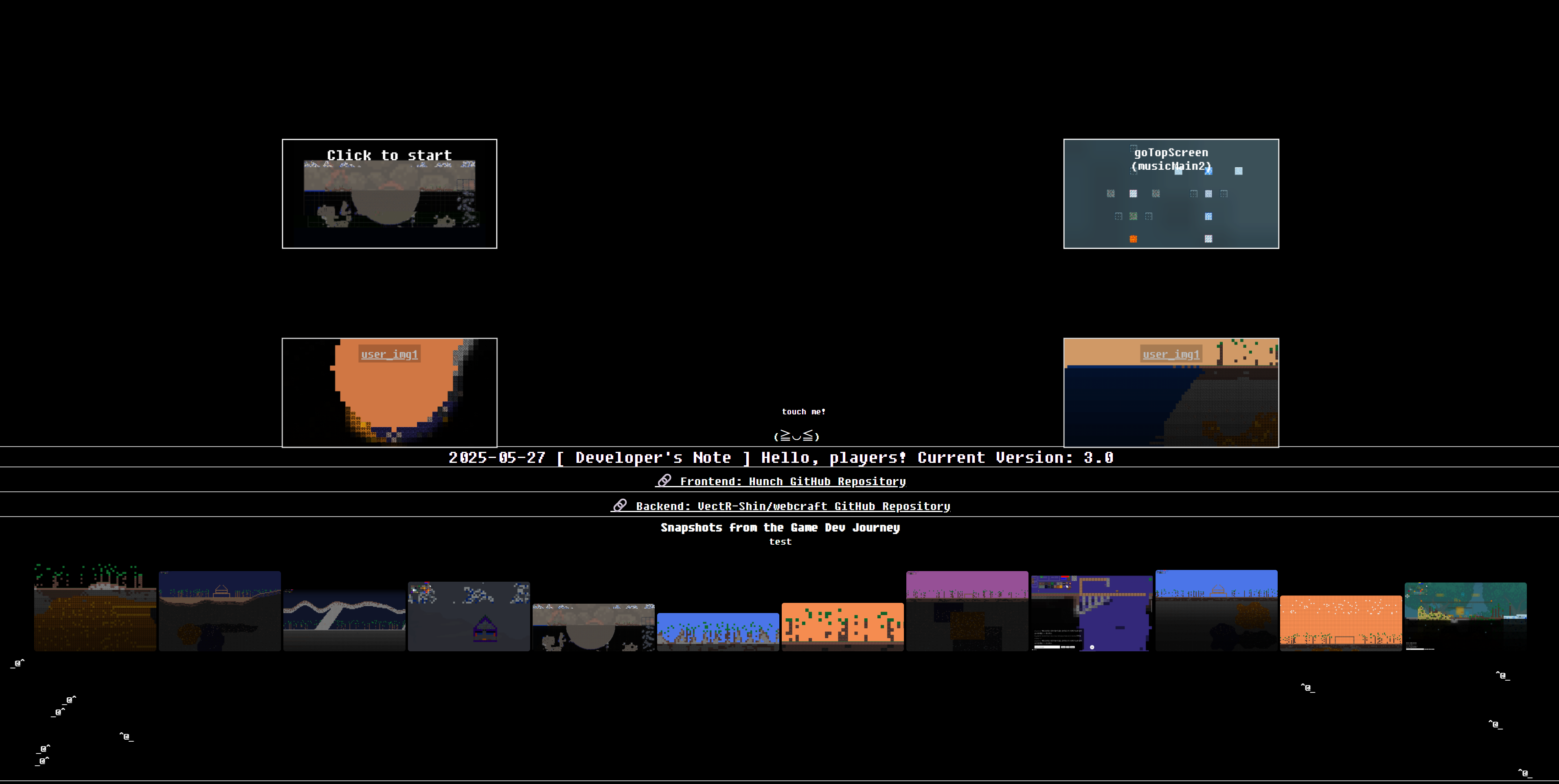
server api
Original Game: Terraria
all map img

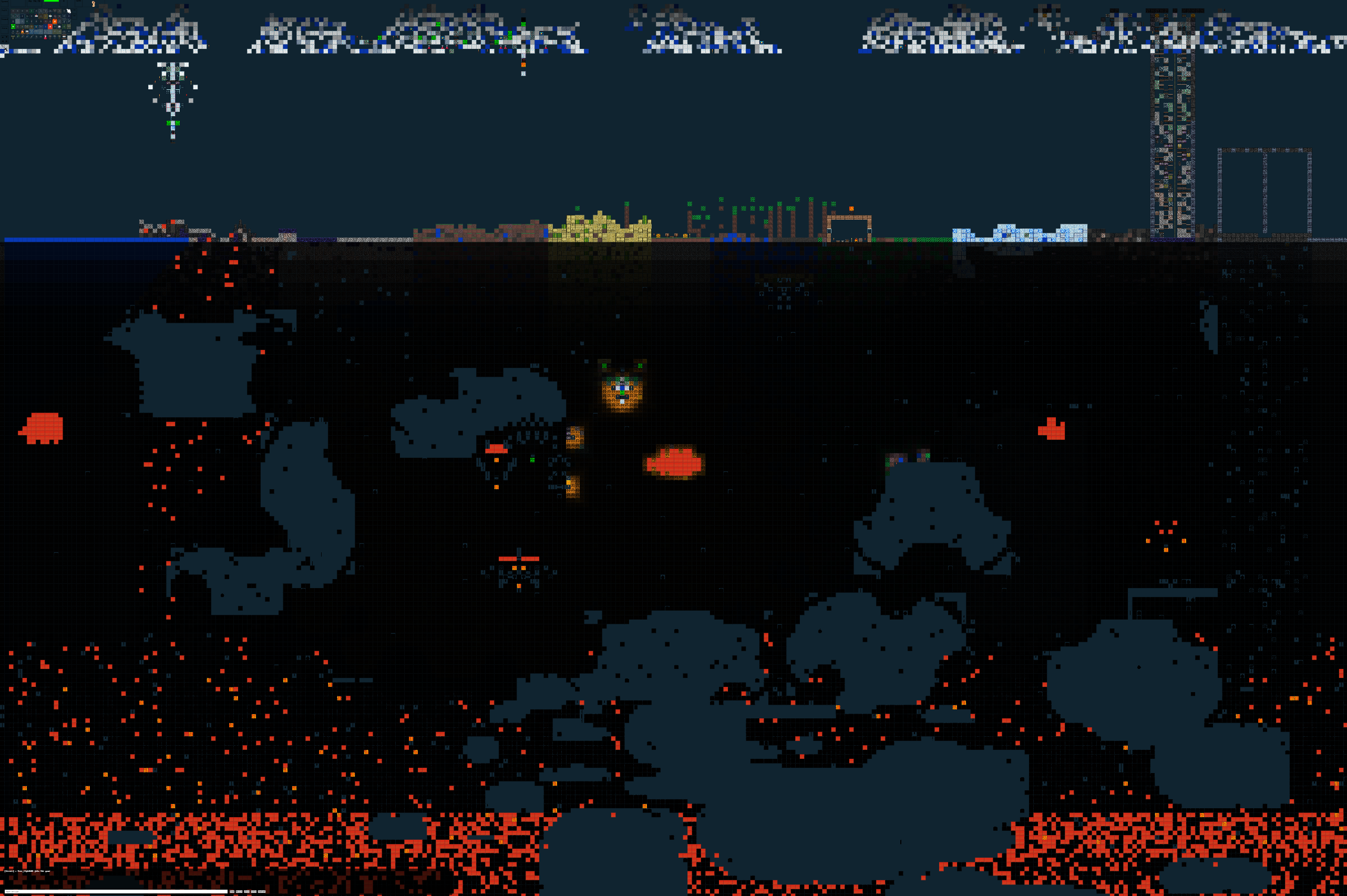
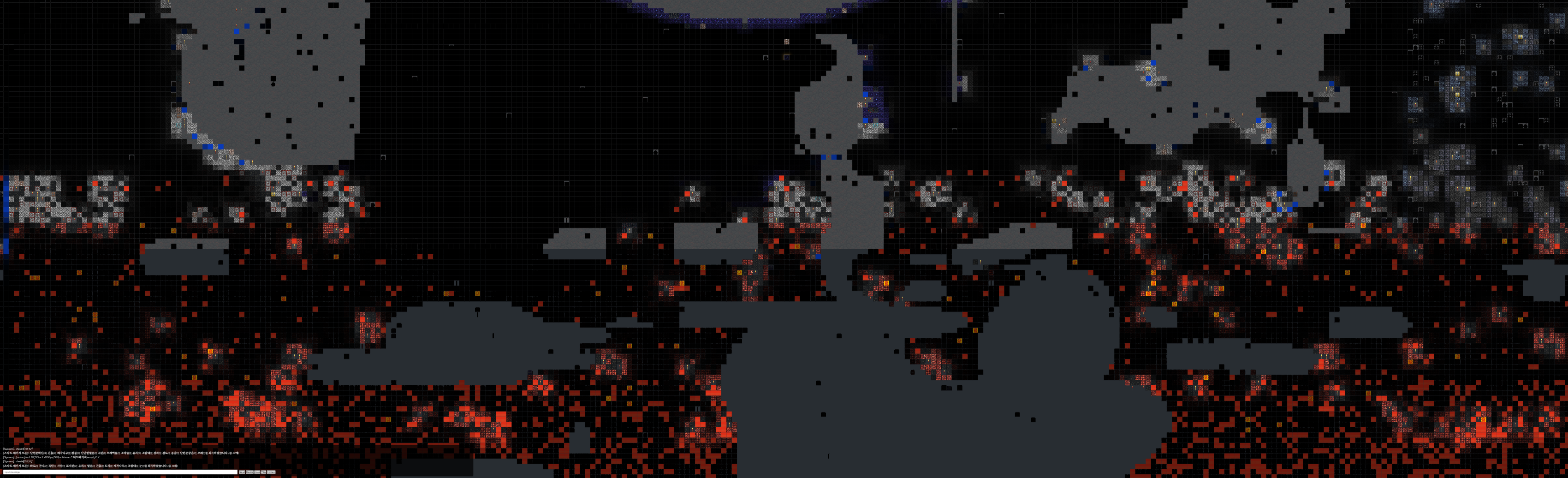
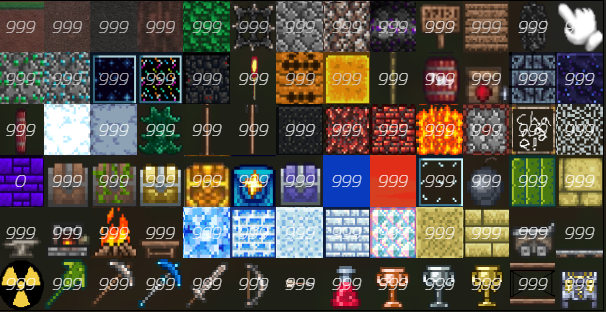
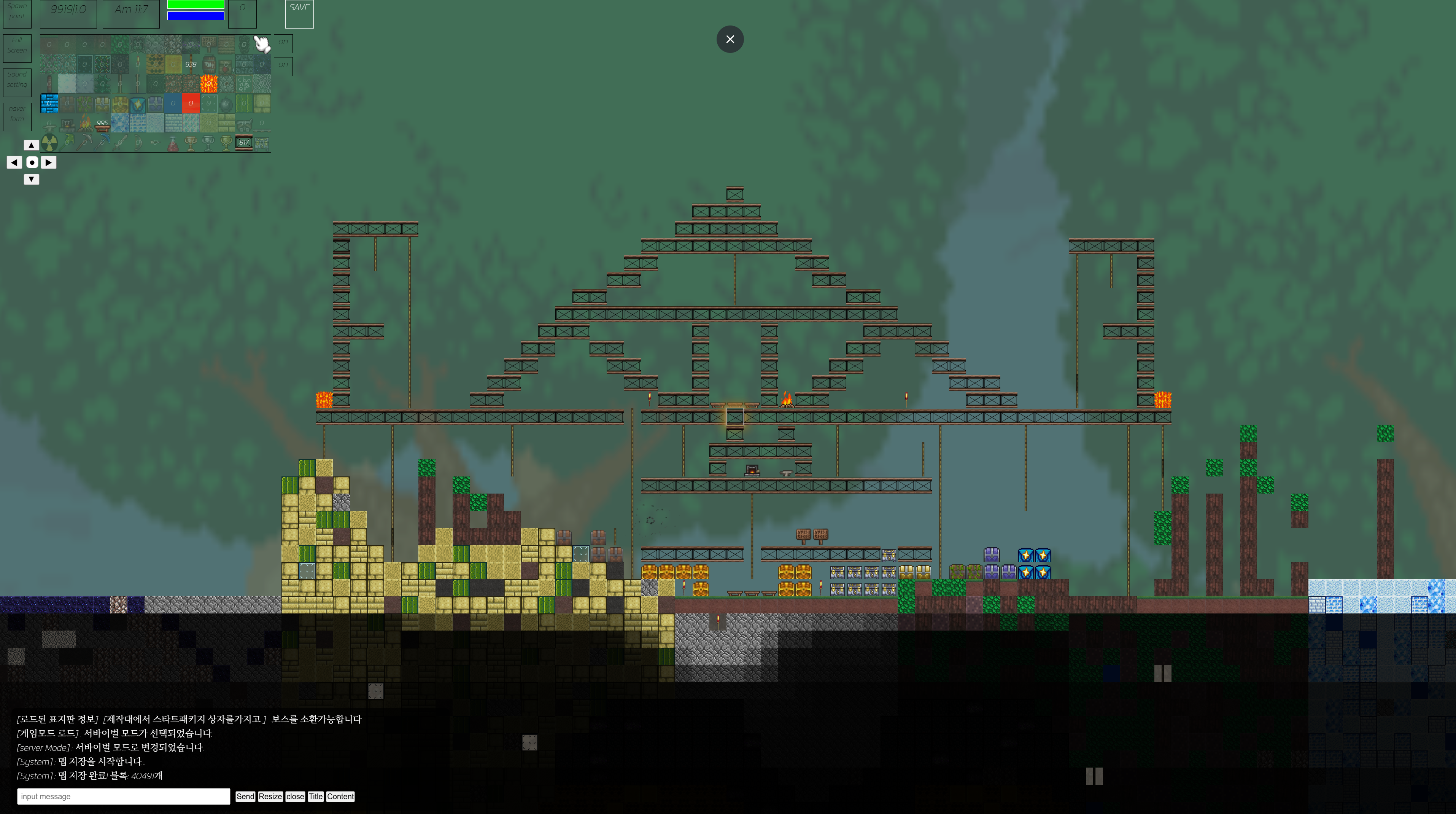
*to use -> loadMap ->
open txt -> game start
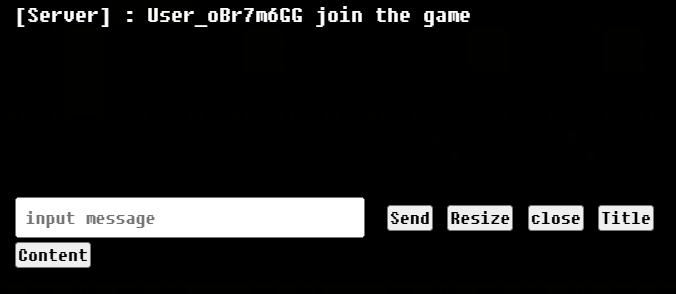
To install a sign
Write the title and click the Title button
Fill in the content and type the content button
You just need to finalise the sign.
To check: Touch with interaction block
spawn point,fullScreen,soundSetting,naverForm,zoomBtn,attackBtn
blockDataDisplay / time disPlay / hp,armor display / blockImg Display / save btn / weapon , etc.. display
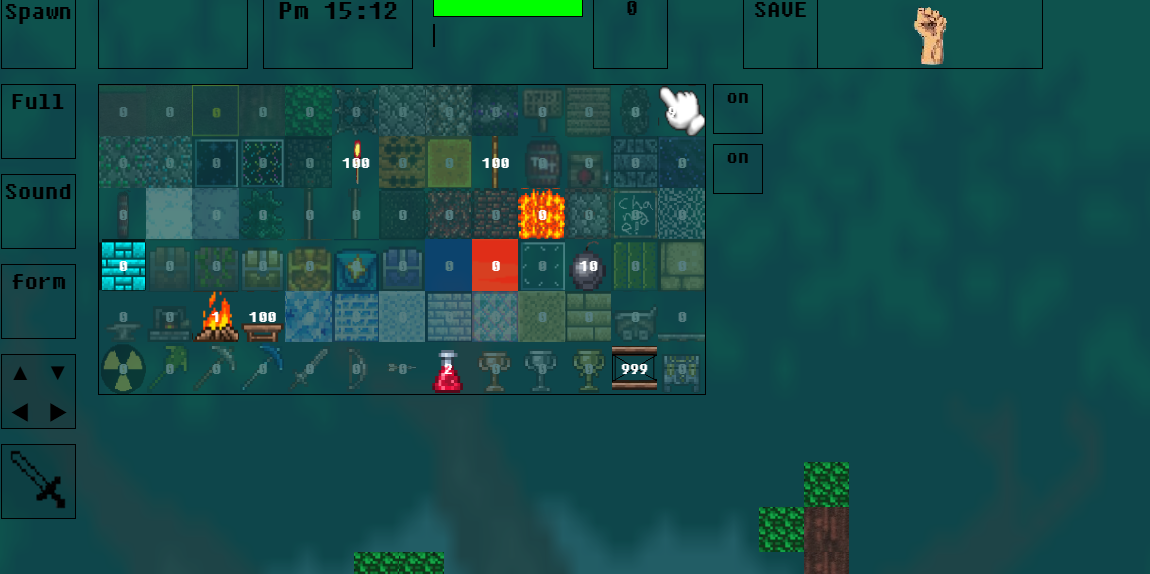
attack - press a key or use attackBtn(left bottom)
use potion - press 1 key or use potion block
to move : press keyboard left,right,up,down
if moble -> scroll display flexible (not recommend)
torches, combinations, tnt, doors, frames, etc
Interactive blocks are hand-shaped interactions
You can use it by touching the block after installing the block
Recommended Browser: Chrome Browser
Recommended Action: Laptop or Desktop
Reason - for smooth interaction of the keyboard input button with the motion function